Two Steps. That's It.
No design skills required. No prompt engineering.
Paste Your Brochure
Paste any product description, brochure, blog post, or marketing copy. AI analyzes it and generates 5 distinct ad concepts — each with headlines, CTAs, and visual directions.
Pick & Download
Click "Generate This Ad" on any concept. AI creates the image, applies your headline and CTA, and gives you a finished Google Display Ad — ready to upload.
What AdFlash AI Does for You
Extract
Audience & USP
Hook
5 emotional angles
Compress
30-char headlines
Match CTA
Right call-to-action
Visualize
Photo-real prompts
This Is What AdFlash
Built For Itself.
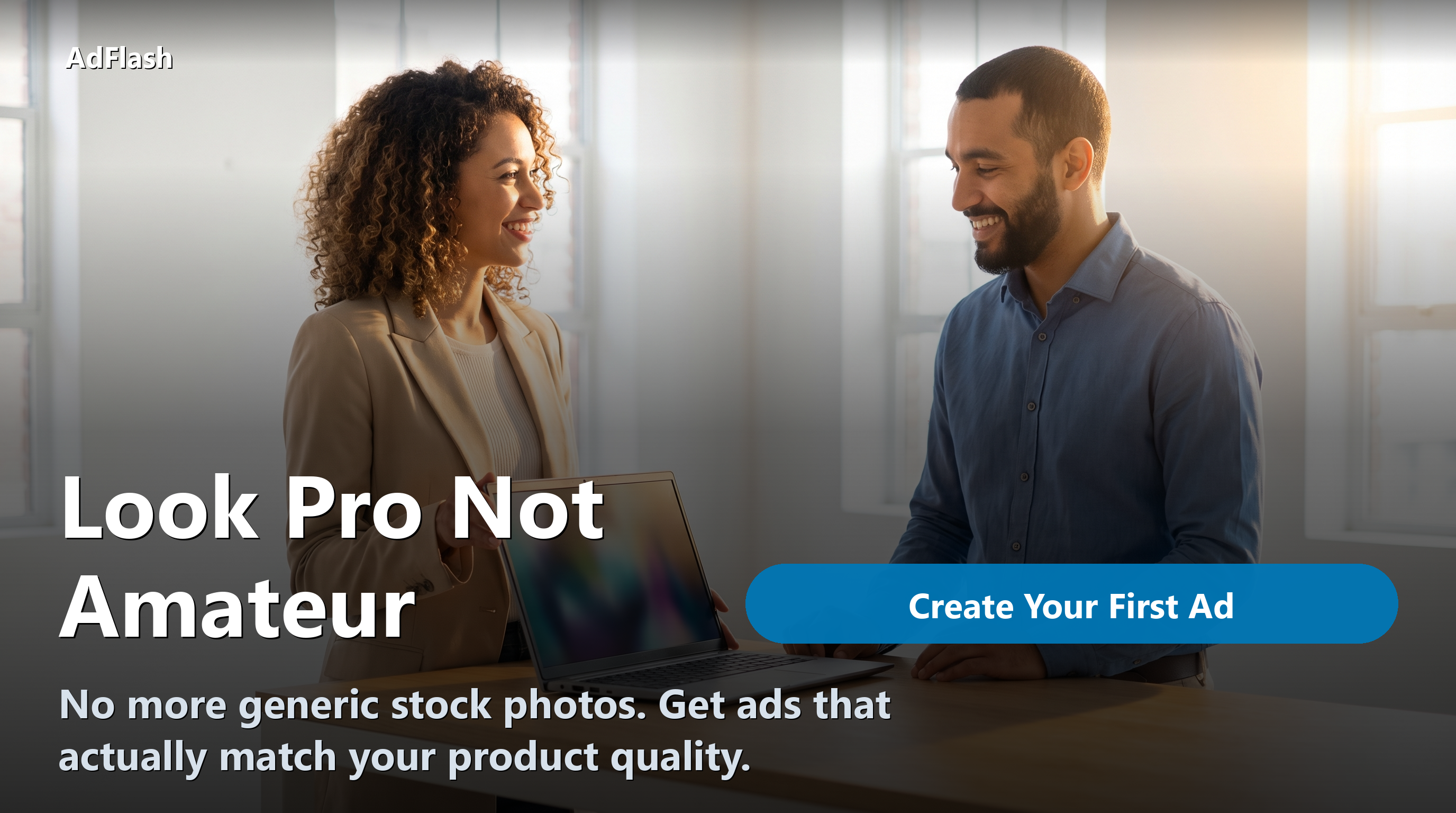
Every ad below was generated from a single paste of AdFlash's own product description. The hero ad (beach high-five) used AdFlash's Regenerate feature with a custom prompt. No designer. No Photoshop. No stock photography. Real AdFlash outputs.

⭐ Hero ad — generated with a custom prompt



Simple Pricing
Pay only for what you create. Edit text and download for free.
Analyze your brochure
Returns 5 ad concepts
Per ad image generated
Only pay for the ones you like
6 FREE CREDITSwhen you sign up — enough for 1 full campaign